
Gloo Website · Restaurant website builder
Turn “where should we eat?” into a confident next step.
Gloo builds a restaurant website around the decision diners are making right now: what is on the menu, what the place feels like, whether it is open and how to book, order or get there.
Your menu. Your photos. Your final say.
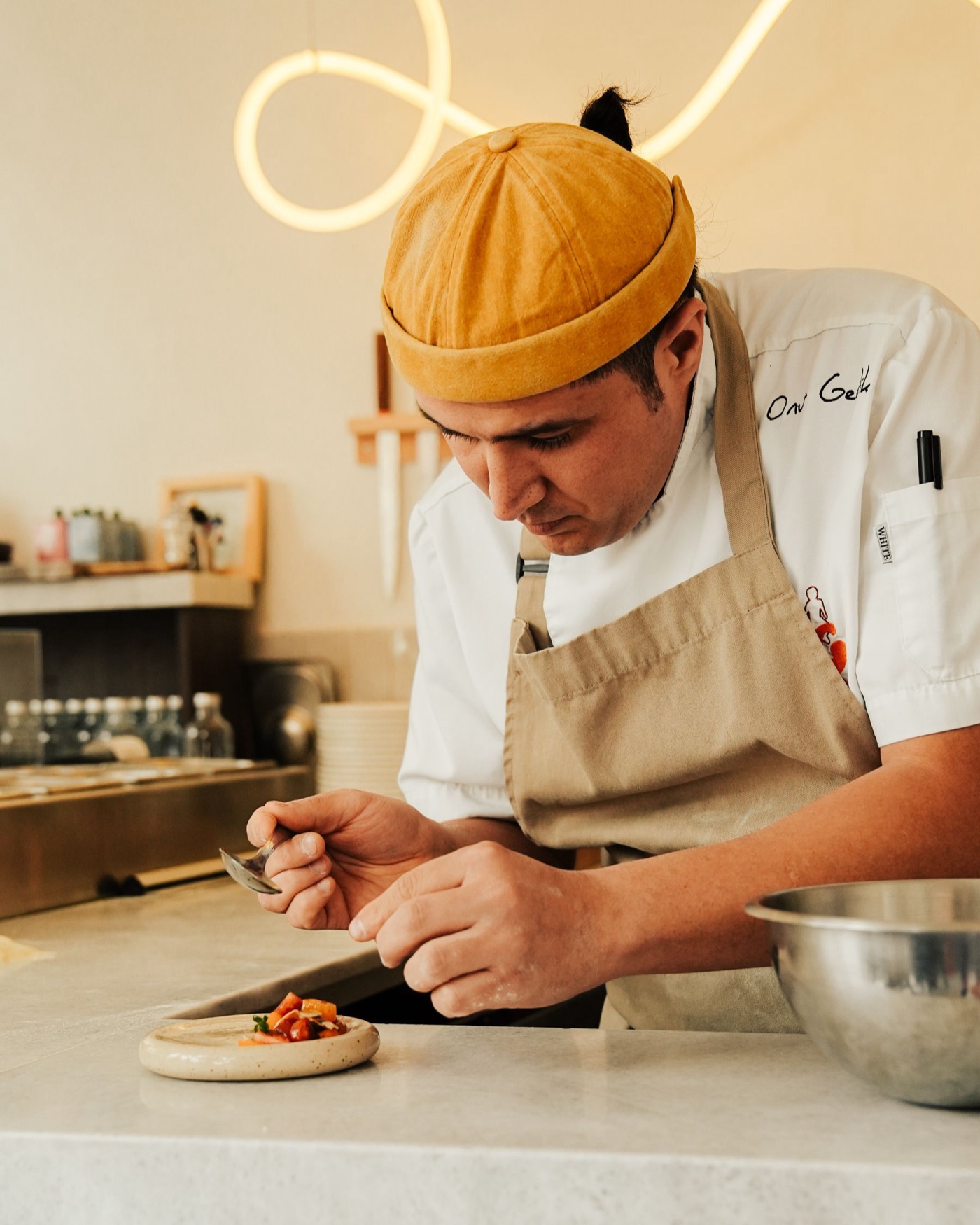
Juniper & SaltExample restaurant website
Menu · Our story · VisitReservations
Seasonal neighborhood dining
Dinner worth slowing down for.
Thoughtful plates, warm hospitality and everything you need to plan the evening.
Reserve a tableView the menu
Open todayDirectionsCall
In plain English
The best restaurant website is the shortest reliable path from appetite to action. It should answer what you serve, whether the restaurant fits the occasion, when and where to visit, and how to reserve or order. Gloo turns approved restaurant information into that journey, then keeps every change under owner review.
Connected and delivered withBusiness facts, cloud publishing and optional AI access






The diner decision
Five questions stand between a search and a table.
A diner may arrive from Google with a craving, a dietary need and a group waiting for an answer. The website should remove doubt in the same order the decision happens.

- 01
What do you serve?
A readable menu with categories, dish descriptions and prices when supplied.
- 02
Will it suit our table?
Cuisine, dietary information and service options, but only when you have confirmed them.
- 03
Does it feel right?
Real food, people and venue photography alongside selected customer proof.
- 04
Can we go now?
Current hours, truthful location details, a map and the fastest contact route.
- 05
What do we do next?
One prominent action: reserve, order, call or get directions.
How Gloo Website works
From today’s restaurant facts to a site ready for tonight’s diner.
The first version starts with information you already own. Later changes stay in a private draft until someone from the restaurant reviews them.
- 01
Connect the facts
Menu, hours, location, reviews and approved photography.
- 02
Build the private draft
Readable pages for menus, visits and bookings.
- 03
Review what changed
Check the facts, edit the words and protect your own copy.
- 04
Publish on purpose
Choose when the whole site or one update is ready.
Website ManagerDraft · not public
Change detectedSeasonal menu and hoursConnected restaurant information
Menu8 proposed updates
Opening hours1 proposed update
HomepageFeature summer menu
Review each changePublish when ready
The product inside the process
A changed menu becomes a review task, not another redesign.
See the source change, inspect every affected page and publish only when it is accurate. Gloo keeps connected facts current in the draft without silently replacing pages you have rewritten.
- See exactly what changed
- Edit the proposed website update
- Choose when it becomes public
After launch
Keep the menu current and the search evidence visible.
Gloo checks connected restaurant information daily and keeps eligible changes in a private draft. Search Console and indexing data show what Google can find and which searches are earning visibility.
AI prepares the work
It can structure pages, improve introductions and propose search titles from connected facts.
Your team stays in control
Every factual or public change remains reviewable. Human-edited pages are protected.
Tracking closes the loop
See indexing, queries, leading pages and customer actions where data is available.
What the restaurant gets
The pages, controls and search foundations in one place.
No disconnected feature catalogue. These are the practical pieces that help a diner decide and help the restaurant keep the answer current.
Search foundations
Restaurant SEO begins with useful, visible information.
The generator can emit Restaurant and menu semantics only when the website visibly presents matching facts. Searchable category and menu pages create clearer internal paths than a single image attachment. Unique titles, descriptions, canonical URLs, breadcrumbs and sitemap entries help search systems discover the same content a diner can read.
Explore search auditsWebsite Manager
Change a menu or promotion without redesigning the website.
Ask the AI website editor to feature a seasonal menu, shorten a description, add catering information or move the reservation action higher. The changes are saved to the private draft for review.
Gloo is built to
- Publish readable menu pages
- Use approved restaurant facts and media
- Track available indexing and search data
Gloo does not
- Guarantee rankings or bookings
- Invent dishes, prices or opening hours
- Publish AI changes without review
Questions before launch
Frequently asked questions
Can Gloo import my restaurant menu?
Gloo can compose eligible menu data already connected to the business. The owner must review names, descriptions, prices and availability before publishing.
Can customers order directly through the website?
The website can link to configured ordering or reservation providers. It should not claim native ordering unless that integration is genuinely available for the restaurant.
Is the menu visible to search engines?
Generated menu content is rendered as crawlable HTML with navigation and sitemap coverage, rather than relying only on a PDF or image.
Can I use my own restaurant domain?
The platform first provides a managed Gloo address. Eligible owners can then use the managed custom-domain workflow while preserving one canonical version of the website.
Evidence and editorial standards
Written to support a real business decision
Reviewed by the Gloo Local Product & Research Team on September 11, 2026. Product statements describe connected Gloo Local workflows. External facts are linked to their sources. Illustrative operating examples are not represented as measured customer outcomes.
Use your real business data
Turn this page into the next growth action
Continue securely in Gloo Local with your location, keywords, competitors, reviews and approved business sources.